Best WSS Endpoints for Polygon (2026)
**Answer first** — Polygon PoS is one of the few remaining high-volume EVM chains with a working public mempool plus PBS-style bundle infrastructure (FastLane Atlas) running on top
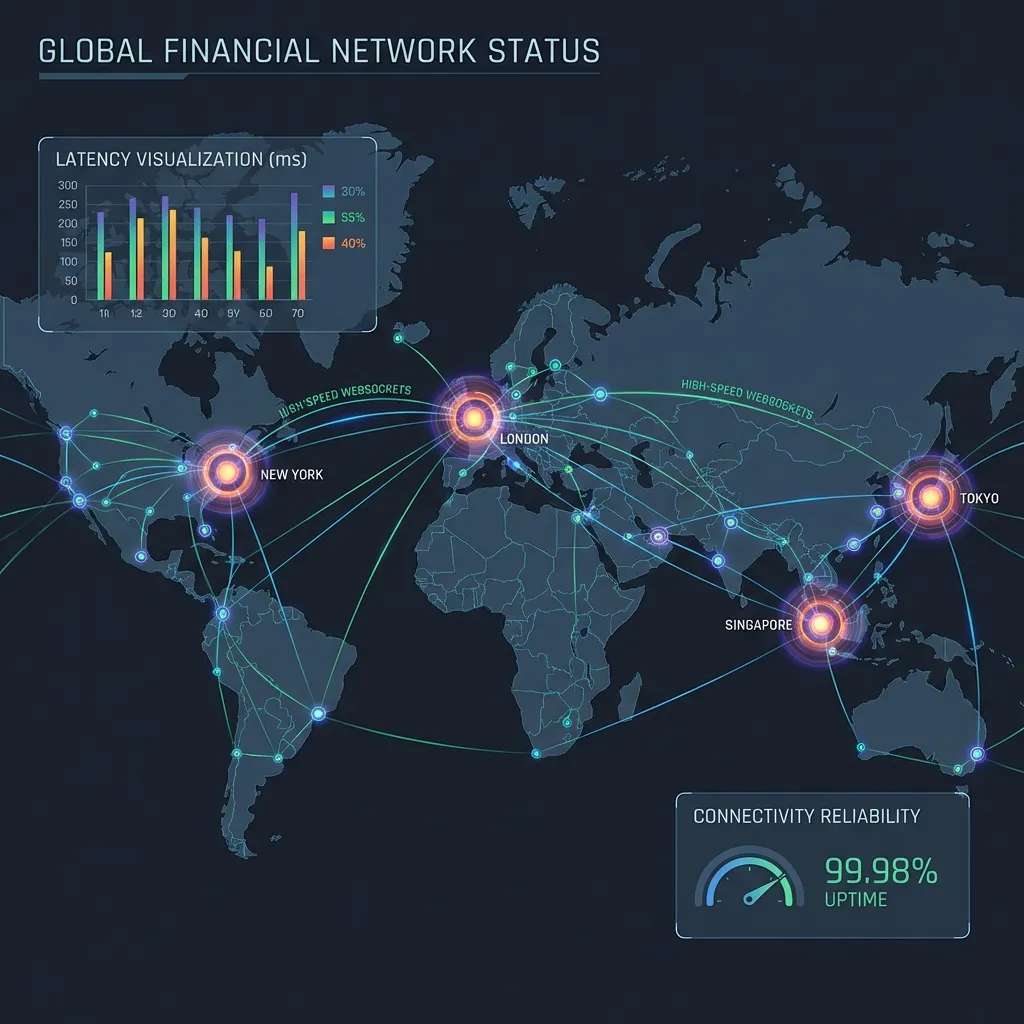
Answer first — Polygon PoS is one of the few remaining high-volume EVM chains with a working public mempool plus PBS-style bundle infrastructure (FastLane Atlas) running on top of it. WSS endpoint choice on Polygon has direct PnL impact: 2-second blocks mean a 200 ms latency advantage often decides who wins a contested backrun. The 2026 stack: a commercial private RPC for both reads and writes (QuickNode, Alchemy, Chainstack, BlockPi all serve Polygon competently), FastLane endpoints for atomic-bundle submission, and ideally a self-hosted Bor node co-located near the validator gravity centre (currently AWS us-east-1 and parts of EU) once volume justifies the hardware. Public RPC at polygon-rpc.com is fine for reads only — it'll throttle a production strategy fast.
Mastery path
- Polygon MEV: WSS endpoints & latency pitfalls
- Best MEV extraction bots for Polygon (2026)
- WSS endpoints guide (current)
- Best Ethereum private RPCs
Why Polygon WSS choice matters more than on L2s
Polygon PoS uses a Heimdall + Bor architecture — a sidechain to Ethereum, not a rollup. The relevant differences from L2s like Arbitrum or Base:
- Public mempool with peer broadcast:
eth_subscribe('newPendingTransactions')against any well-connected node works as expected. Validators and searchers see roughly the same view. - 2-second block time: the entire window from "tx visible" to "tx mined" is short. A WSS subscriber that's 200 ms slow is a third of a block behind.
- FastLane Atlas on top: atomic bundle submission via a PBS-style auction sits on Polygon's validator set. Coverage is partial (not 100% of validators participate); your bundle lands only if a participating validator proposes the next block.
So Polygon WSS quality determines both what you see (mempool subscription) and how fast you can act on it (write latency to your sender). Both halves matter.
Provider landscape
| Provider | Type | Typical p95 latency (in-region) | Right use case |
|---|---|---|---|
| QuickNode | Commercial | 25–50 ms | Mature Polygon support; strong default |
| Alchemy | Commercial | 25–60 ms | Solid devtooling, decent rate limits |
| Chainstack | Commercial | 30–60 ms | Competitive on price for the latency band |
| BlockPi | Commercial | 35–70 ms | Useful in fan-out |
| Ankr Premium | Commercial | 35–70 ms | Reliable secondary |
| GetBlock | Commercial | 40–80 ms | Redundancy slot |
| FastLane endpoints | PBS infra | Latency depends on validator rotation | For bundle submission; pairs with any RPC for reads |
Public Polygon RPC (polygon-rpc.com) |
Free | 80–200 ms + rate limits | Reads only, never production |
| Self-hosted Bor + Heimdall | Hardware | 5–15 ms read, ~20 ms write | Volume strategies; pays back at scale |
(Numbers vary by region; benchmark from your actual deployment with the WSS latency test before committing.)
The validator-gravity point matters: Polygon's validator set isn't uniformly distributed globally. If your strategy targets DEXes whose flow concentrates in specific regions, co-locate accordingly. A node in us-east-1 will outperform the same hardware in ap-southeast-1 for most Polygon strategies.
What to measure on Polygon specifically
Three measurements with direct trade-PnL implications:
- Mempool coverage. Count distinct pending hashes seen across two parallel WSS subscriptions over 60 seconds. If one subscription is consistently behind the other by >10%, you're missing opportunities — that's an under-peered upstream, not noise.
- Time from pending event to inclusion. A healthy provider shows you a tx and that tx is in the chain within 1–2 blocks (~2–4 seconds). Sustained drift past that is degradation.
- Reorg observation rate. Polygon reorgs more than Ethereum mainnet. Wait at least 8 blocks before treating any inclusion as final for accounting purposes. A spike in reorgs during your session is a signal to pause new sends, not push through.
Rotation policy
- Baseline p50/p95 for each endpoint in your deployment region during a calm window. Document.
- Alert at 50%+ degradation from baseline sustained for 5+ minutes.
- Switch both reads and writes when rotating — don't leave a fast write endpoint backrunning stale reads.
- Keep the rotated-out endpoint warm at low rps for 30 minutes for cheap rollback.
Polygon-specific gotchas
- Validator set degradation. Occasional missed blocks mean inclusion latency balloons. If you see 3+ missed blocks per 100, treat it as systemic and pause.
- POL-migration leftovers. During the original MATIC → POL token migration, several RPC providers had inconsistent token-symbol handling. Verify your client is on a current build before debugging "why does my route fail on what looks like a normal pair."
- bsc-dataseed-style throttling on
polygon-rpc.com. During NFT mints and memecoin storms the official public RPC throttles fast. Anything time-sensitive must be on a paid endpoint. - FastLane participation gaps. Bundle submission to FastLane only lands if a participating validator proposes the next block. Always pair FastLane with a public-mempool fallback (capped) so non-participating slots don't dead-end your strategy.
- Cross-region failover that quietly halves your edge. Failing over from
us-east-1toap-southeast-1adds ~100 ms each direction. Alarm on latency, not just on hard failures.
Working configuration in 2026
Realistic Polygon-MEV endpoint stack for a serious operator:
- Primary read: Self-hosted Bor node co-located in
us-east-1with strong peer count, subscribed to mempool locally. - Secondary read (validation): Tier-1 commercial WSS in same region; cross-check coverage against the local node.
- Primary write: FastLane endpoint for atomic-bundle submission, paired with a tier-1 commercial RPC for non-FastLane sends.
- Tertiary write: Different commercial provider in different region as outage hedge.
For lower-volume operators (under ~$2K/day attributable MEV), drop the self-hosted node and run two tier-1 commercial WSS in parallel for the same coverage-validation benefit at ~10% the operational complexity.
Polygon's Transition to AggLayer and MEV Implications
Polygon's roadmap includes a major architectural transition from standalone PoS to participation in the AggLayer — a unified liquidity and settlement layer that will aggregate multiple Polygon zkEVM chains. This transition has MEV implications that operators on Polygon PoS should be aware of now:
Near-term (2026): Polygon PoS continues to operate as a standalone PoS chain. MEV strategies on Polygon PoS today are not affected by AggLayer — the transition is a longer-term roadmap item. Current WSS endpoint configurations remain valid.
Medium-term (2027+): As Polygon zkEVM chains join AggLayer, cross-chain liquidity between them becomes atomic from a settlement standpoint. This creates cross-chain MEV opportunities that don't exist today — price discrepancies between different Polygon zkEVM chains could be captured in single atomic transactions via AggLayer's unified proving system.
What to watch in 2026: FastLane's evolution on Polygon. FastLane provides Polygon's primary MEV-protection and bundle-inclusion infrastructure. Any changes to FastLane's relationship with Polygon PoS validators (as the network transitions) directly affect MEV operator relay configurations. Follow FastLane's documentation for updates.
For 2026 operations, Polygon PoS is stable and the strategies described above remain valid. The AggLayer transition is a 2027+ consideration — don't reconfigure for it yet, but maintain awareness.
References
Step after reading
Launch FRB dashboard
Connect your wallet, pair the node client with a 6-character PIN, and assign the contract mentioned above.
Go to /appNeed the installer?
Download & verify FRB
Grab the latest installer, compare SHA‑256 to Releases, then follow the Safe start checklist.
Open install guideCheck Releases & SHA‑256Related Articles
Further reading & tools
Discussion
No notes yet. Add the first observation, or share the link with your team on X (@MCFRB).